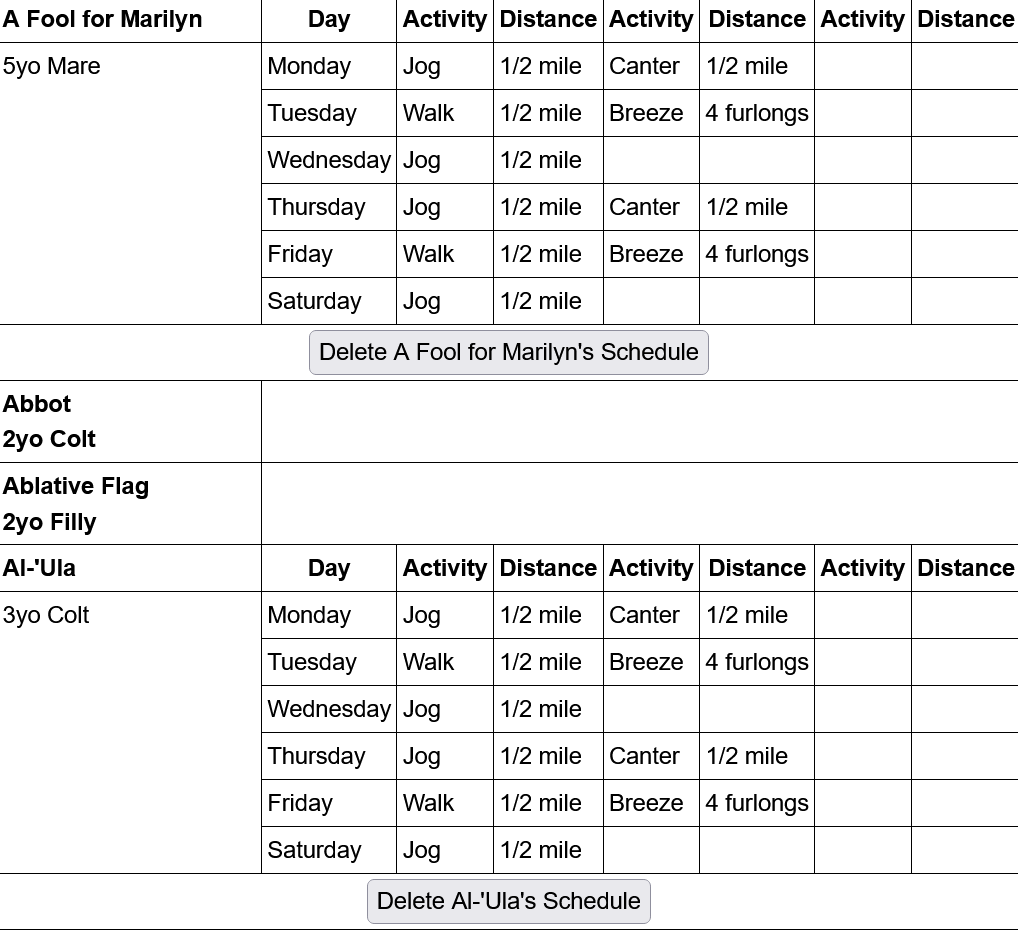
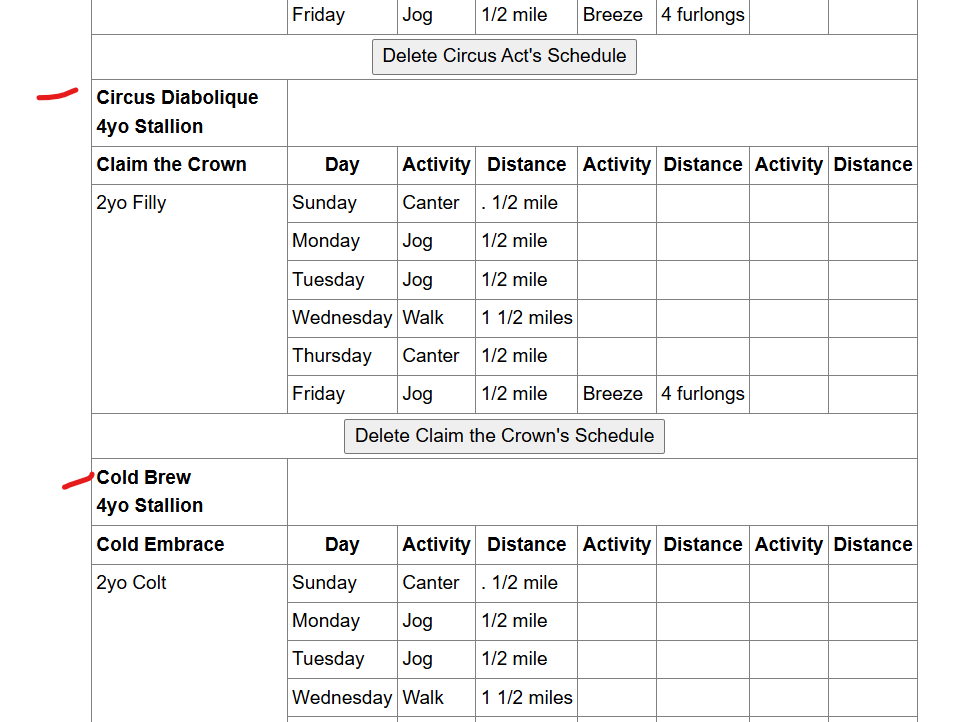
I was trying to update the training schedules for some of my horses just now and, while those horses who already have a schedule assigned to them appear to be showing correctly, it looks like any horses that didn’t have a schedule assigned to them don’t give me the ability to assign a schedule to them (see sample below).
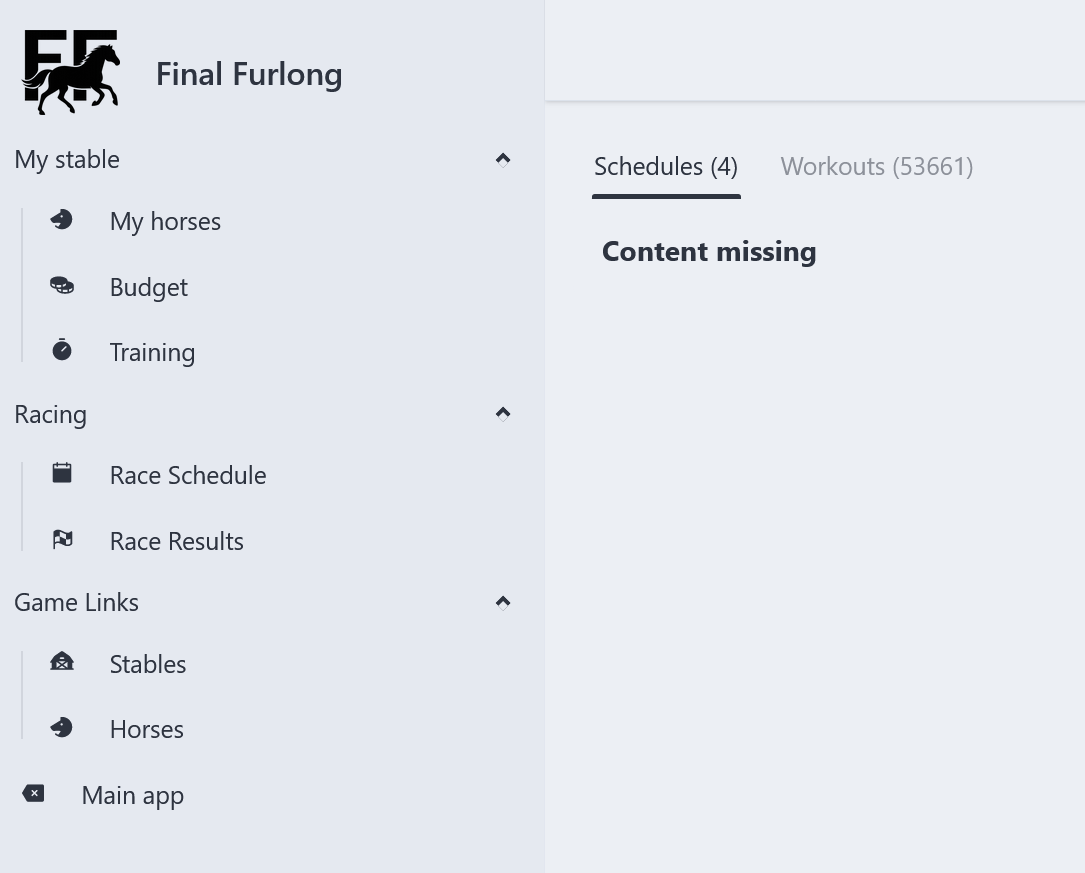
A follow up to the above post, I tried to delete the training schedule for one of my horses but, when I select “Delete Sponsored Lady’s schedule”, I’m directed to this screen:-
As mentioned in the workouts thread, schedules are disabled in the old app (aside from seeing existing ones to aid in transition). To modify/create schedules, use the new app.
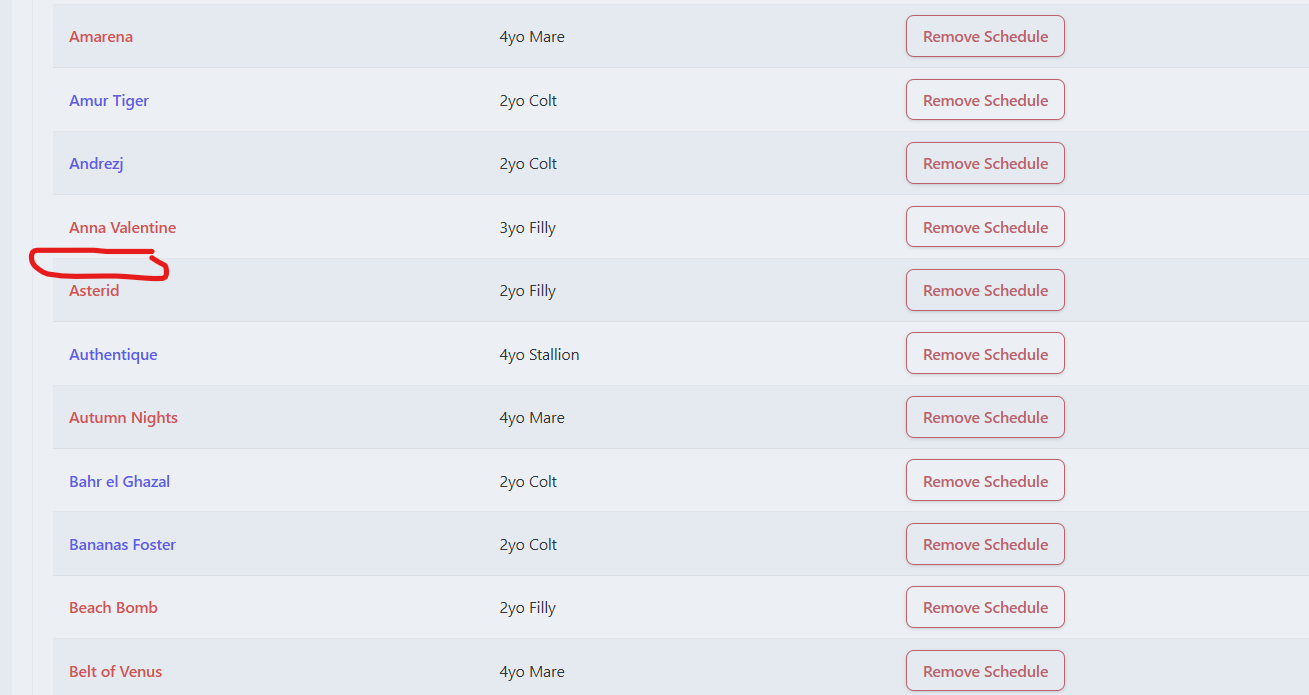
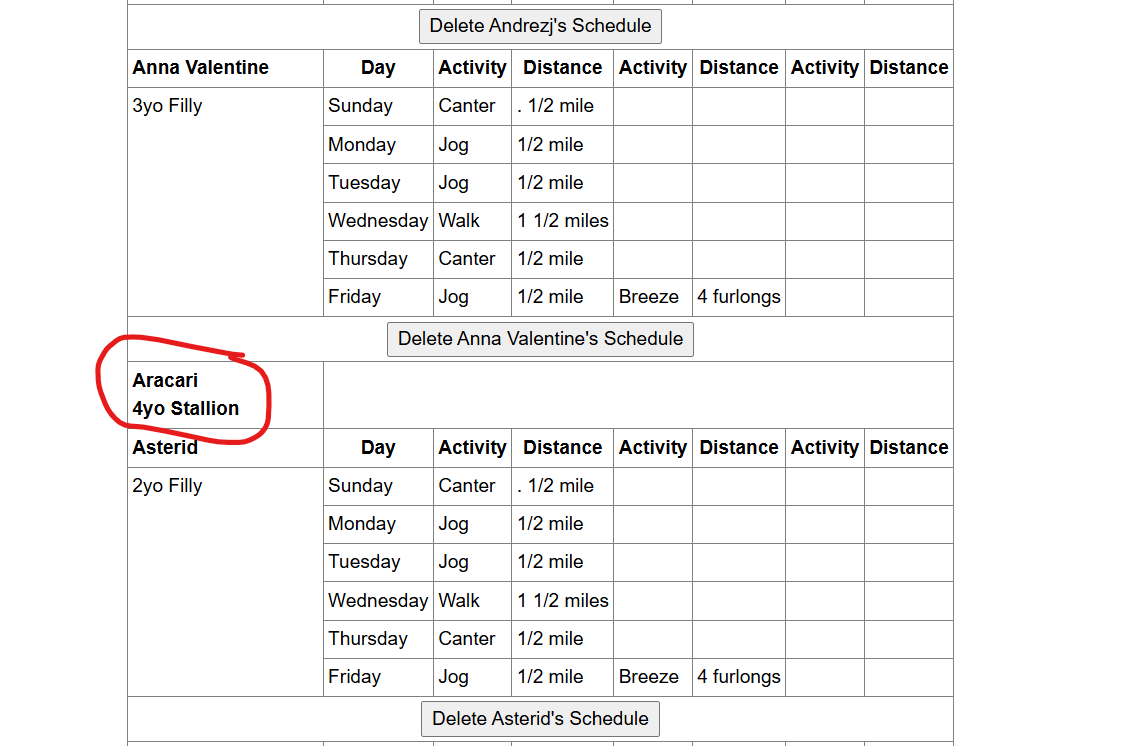
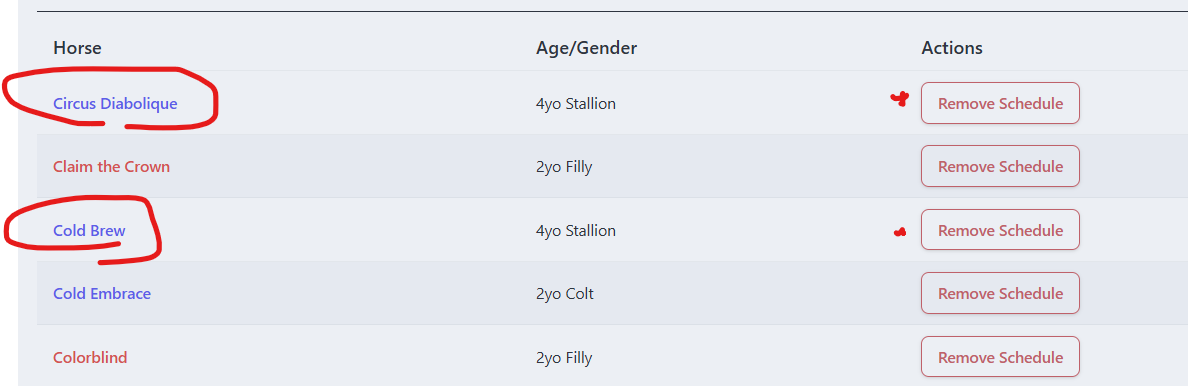
Under schedules in the new app, horses who are blanked out in the old app are showing as having a schedule (as far as I can tell, I’ll admit it’s annoying to click through 17 pages of horses to see if someone has a schedule assigned or not. Potential idea for a filter?). For example, Aracari has a blank schedule in the old app, but I can see he has a schedule assigned and has been working out in the new app. I thought maybe I just need to delete the schedule from the new, and reassign for it to reappear. Now I can’t figure out how to assign a schedule under the new app (he still shows up as “Remove Schedule”).
I’m not sure what you mean by “reappear”. The old app will only show your old schedules from the old database - this is to make it easy for you to cross-reference with the new app to make sure your horses have the same schedule (if that is desired). No data in the old app will be changing (until I delete all the old schedule stuff in a couple of weeks).
“Remove Schedule” is how you remove a horse from Schedule A, they will then appear in Scheduels A/B/C/D (however many you have) to assign to them.
I went on to the new database to update some of my horses schedules and noticed that many of them are on a different schedule to what I have in my notes.
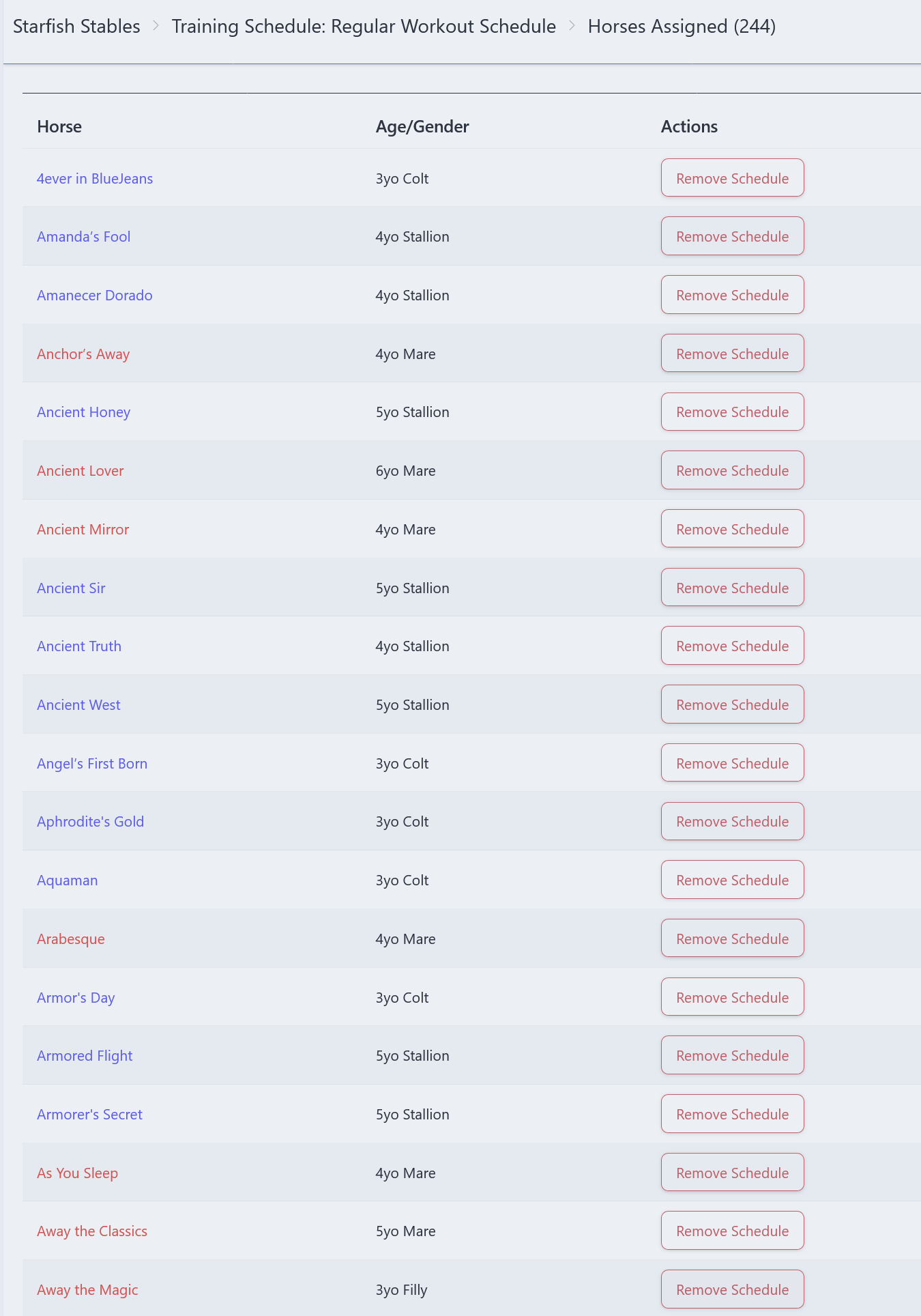
Looking at the first page of our Regular Workouts schedule alone:-
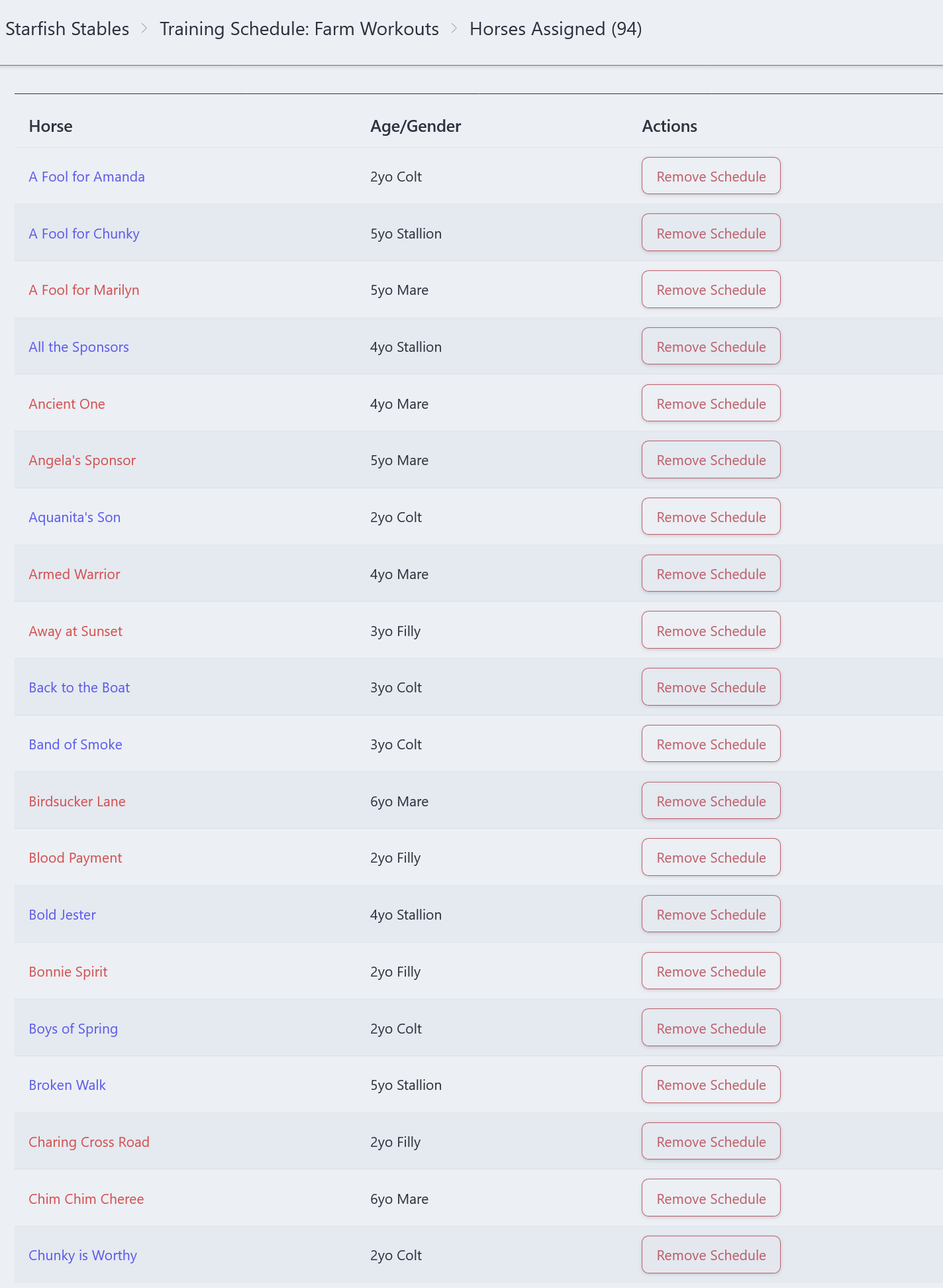
A Fool for Chunky, A Fool for Marilyn, All the Sponsors, Ancient One, Armed Warrior, Away at Sunset, Birdsucker Lane, Bold Jester, Broken Walk and Chim Chim Cheree should all be on the Regular Workouts schedule.
There are a few horses that are showing up on the correct schedule for both.
When I look at the above horses on the old Training Schedule, however, they are showing up correctly.
As I mentioned previously, the training schedules synced once. Any changes made after that in the old app need to be replicated in the new app, so that is probably why things are out of sync.
I just have one schedule. I’m struggling to figure out how/where to assign the schedule in the new app.
In the old app, I’ve always deleted a schedule from a horse after they’ve raced so they don’t workout until their energy recovers. Then I’d assign a schedule again. Only with very recent deletions have the workouts vanished completely in the old app, but I don’t know how to assign in the new as I’ve continued to just work in the old app while things are moving around. I haven’t had the two not sync until recently (hence a horse still working out in the new app even if their schedule is blank in the old).
Then page through to find the horse you want and click Add Schedule
I will be making this easier (e.g. allowing you to add horses via their page, via a training summary page, etc) but I need to get the server to stop throwing hissy fits.
Thanks Shanthi - I think I’m getting the hang of this now. I actually think it is easier to maneuver than the old one
I have one question. Is it possible to be able to search for a particular horse, rather than have to scroll through pages of horses to find the one we’re looking for? As you can imagine, when you’ve got more than 450 active racehorses, that can take a lot of time. There appears to be a Search box at the top of the page but I couldn’t enter anything in it.
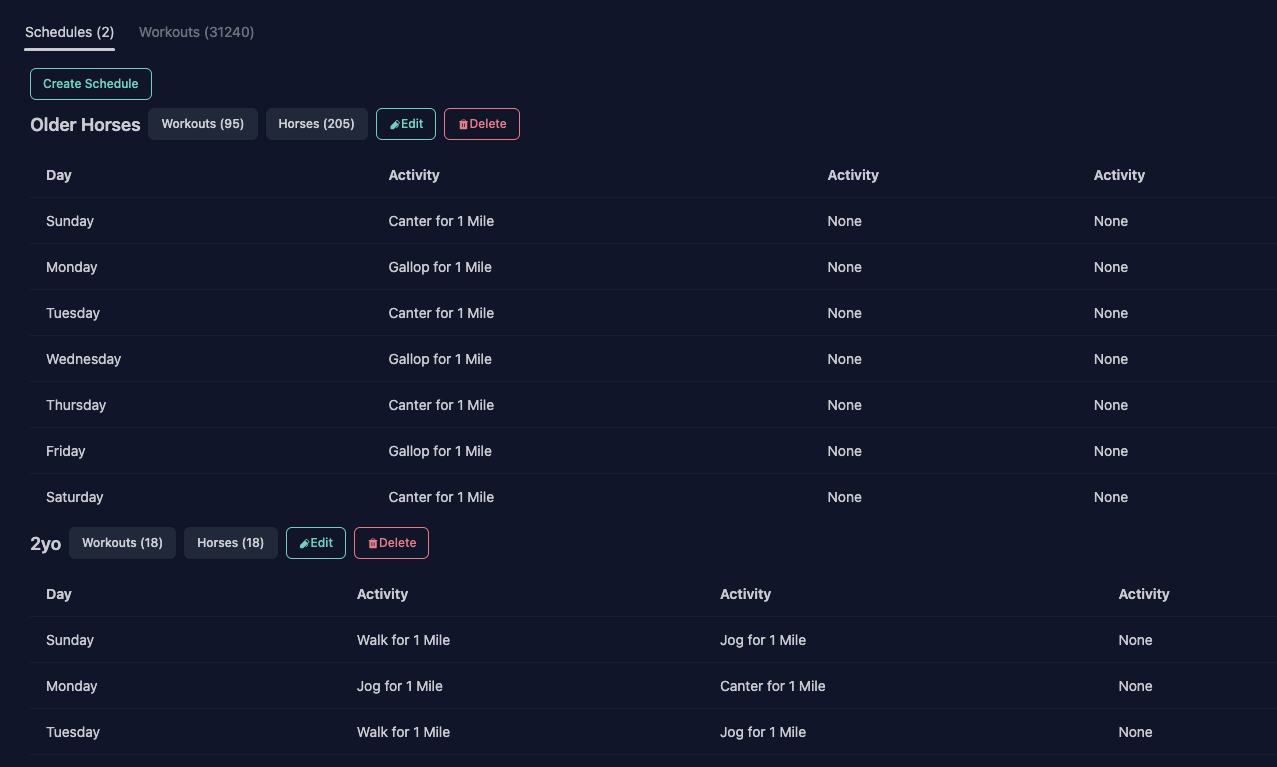
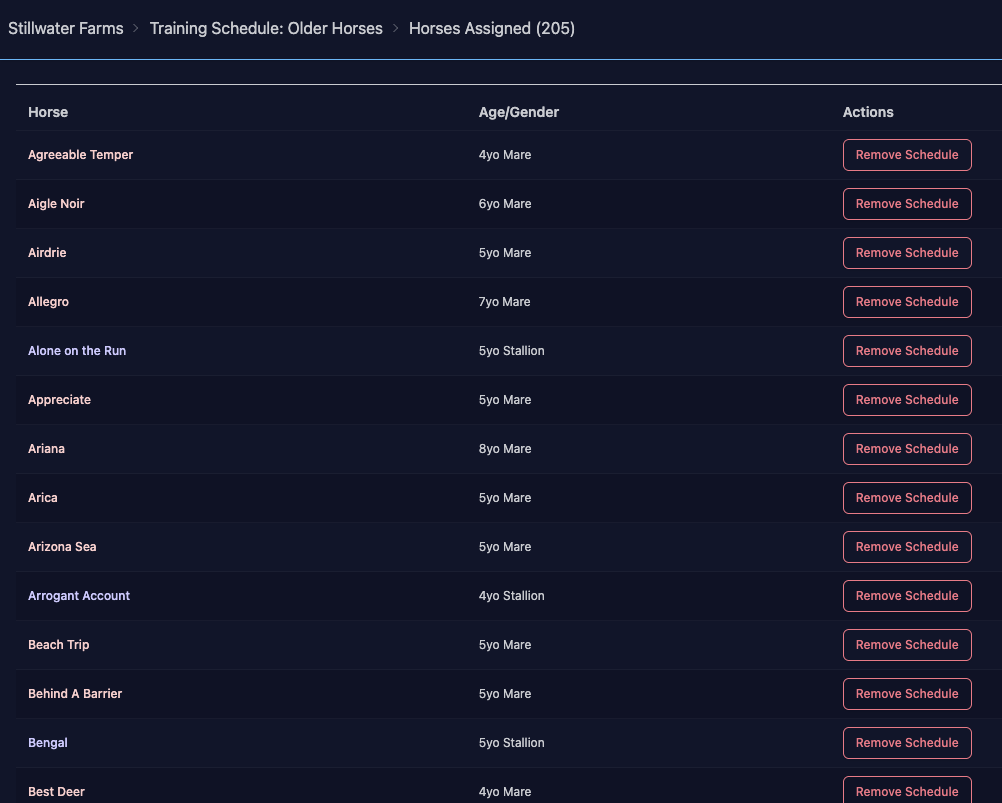
Sorry, I’m still struggling. I get to Training > Schedules, but when I click “Horses” it just lists horses already assigned to that schedule and there’s no Add Schedule option. In your screenshot there is no Add Schedule shown, so I’m not sure where to go.
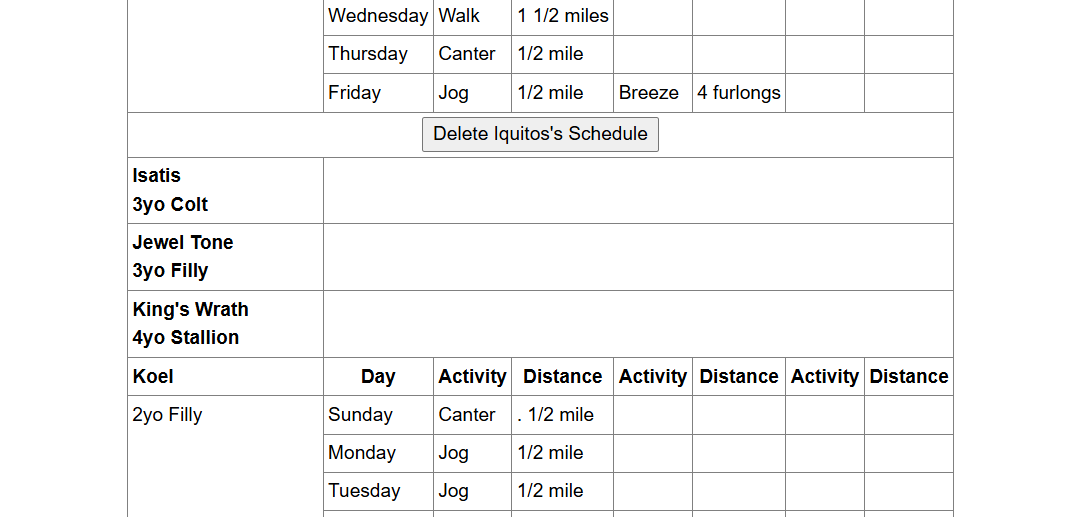
Either the horse is flat-out not listed in the new app (horse not working out):
Horses only appear grouped by the Training Schedule.
E.G. Say you have three schedules, A, B & C. You have a number of horses that you have set up with Schedule A, a number set up with Schedule B and a number set up with Schedule C. In addition, if you have a horse In Transit or Injured, you don’t want them working out at all.
When you look at your horses, you will see Schedule A, Schedule B & Schedule C, with the number of horses set up for each Schedule.
If you select Schedule A, you will get a list of all of your horses set up with Schedule A (with Remove Workout by their name) followed by any horses that haven’t been assigned a schedule (with Add Workout by their name). If you select Schedule B, you will get a list of all horses set up with Schedule B, followed by any horses that haven’t been assigned a schedule, etc. The lists of unassigned horses should be the same for each schedule.
If you select Add Workout for a horse from the lists under a particular schedule (say Schedule C), it will move to the Active Schedule list for that schedule and, if you look for it in the lists of Unassigned Schedules in the other two schedules, it won’t show up.
I hope this helps and doesn’t confuse you even more.
Thanks Lewis, you explained it better than I could.
The old training schedule page is just there so that you can see what training schedule your horse had in the old app (if any), to aid in syncing up their setup to the new app. No workouts are run from the old app’s schedules, which is why you can’t add/modify schedules in the old app anymore.