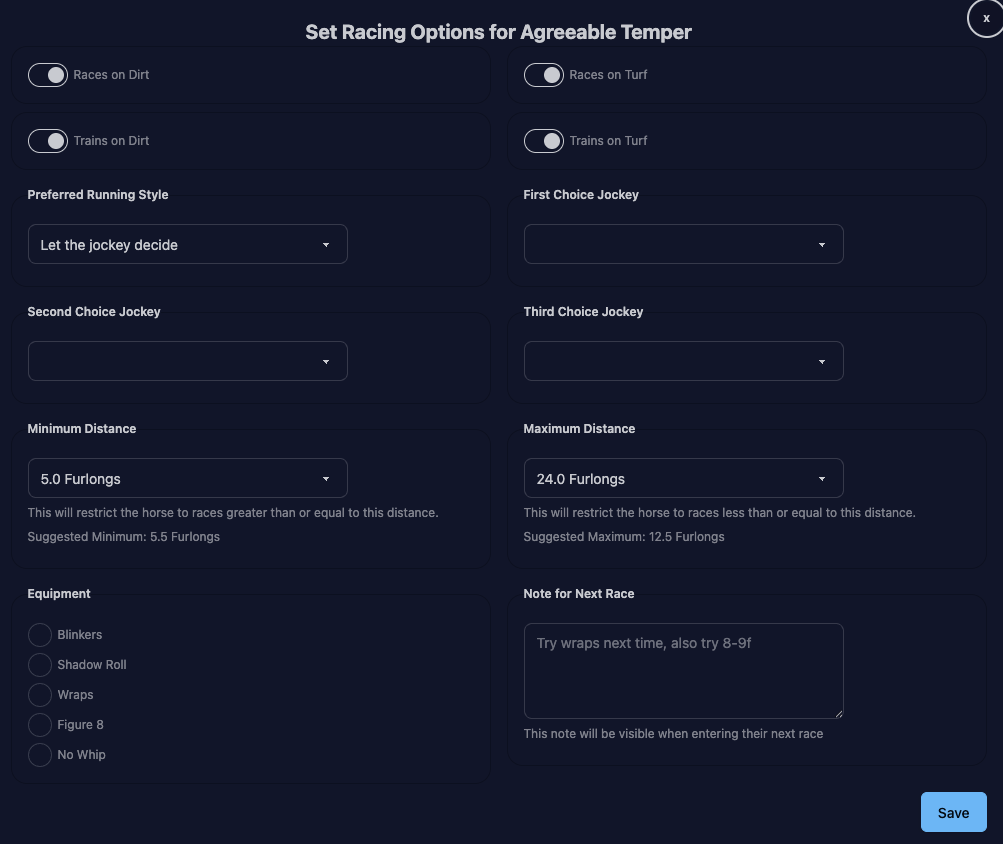
Runs on Dirt - if yes, this horse will show up for dirt race entries. If the horse is a jumper, this option will not appear.
Runs on Turf - if yes, this horse will show up for turf race entries. If the horse is a jumper, this option will not appear.
Trains on Dirt - if yes, dirt will appear as an option for workouts (and may be selected with auto workouts). If the horse is a jumper, this option will not appear.
Trains on Turf - if yes, turf will appear as an option for workouts (and may be selected with auto workouts). If the horse is a jumper, this option will not appear.
Jockey Choices/Instructions - same as the regular app. You have to pick the jockeys in order, you can’t pick Jockey 3 without Jockeys 1 and 2, etc.
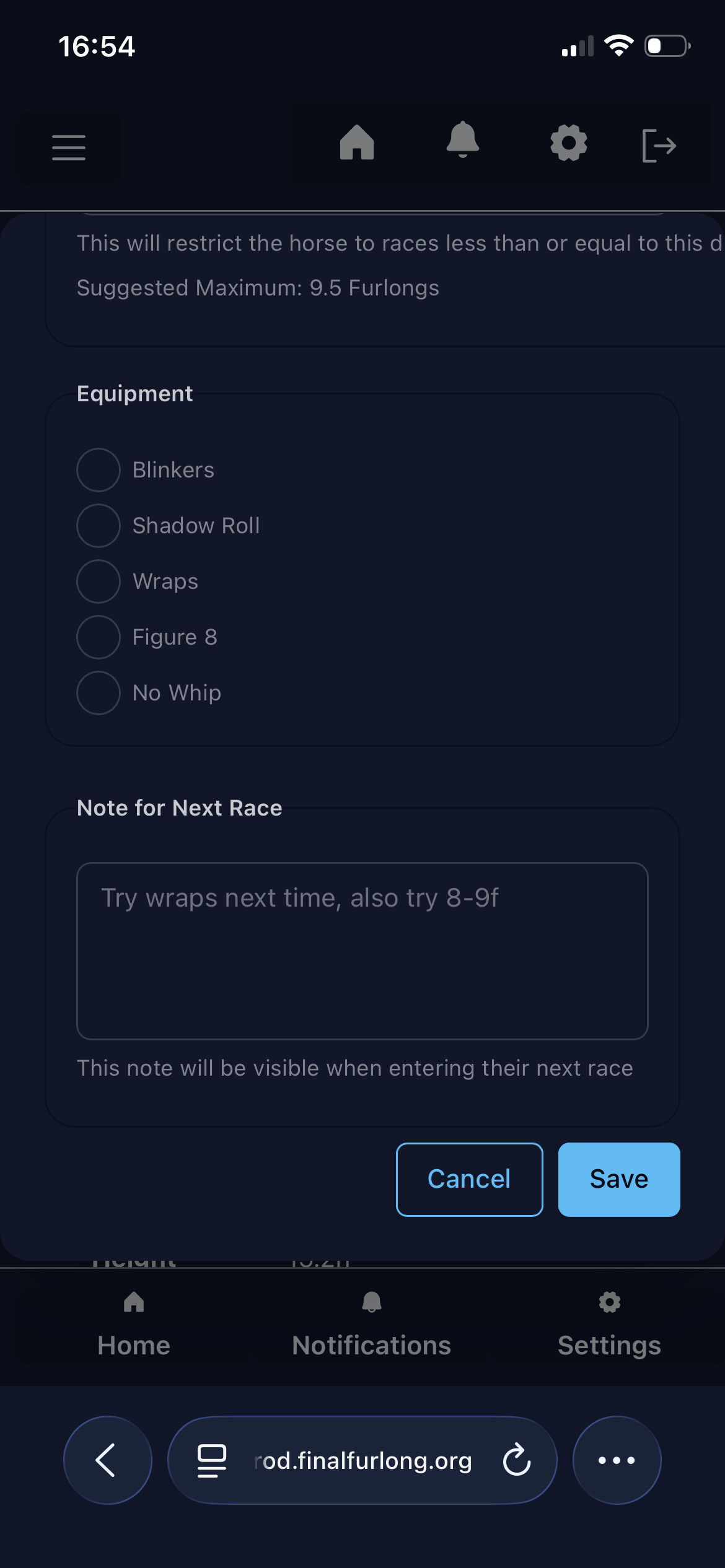
Minimum/Maximum Distance - this one is new, if you pick distances the horse will only show up for races within that range. The suggested distance (if any) is based on your horse’s previous performance. If they place in the top 3 in a race at a given distance, the suggestion will reflect that.
Equipment is standard.
Notes for next race is also new. You can write anything you want here, and it will show up when you’re entering the horse in a race. Once the horse races, the note will be cleared, and you can create a new note if you want. As the prompt suggests, this is probably most helpful for post-race decisions, so when you see that a horse bombed in a turf sprint race, you can note down “Try long-distance turf”. Or I like to cycle through the equipment before locking it in, so I’d probably write “Use SR, try long-distance turf”.
Oh gosh this is INCREDIBLE for entering. Thank you Shanthi! Can we also have a toggle for horses to show up for SC races, yes/no? I’m thinking of more than one occasion where I accidentally switched a horse to SC (oops). Would be nice to also toggle based on jump trial times for horses still on the flat, but that might be too tricky.
Love it Shanthi! The more options the better imho.
With next race notes could that also have a toggle keep/clean. If selected to keep it obviously stays but unselected it defaults and removes the note?
I’d love to see when searching upcoming races it reflects out to 60 days instead of the current 30, I think we’d see a lot more forward entries that way.
I’ve built an option in the race entry for that, but yes, once I migrate jump trials over it’d be nice to flag a horse as “please never do jumps again”.
I’m not sure if this is a problem with site, my device or just me being a bit of a technophobe.
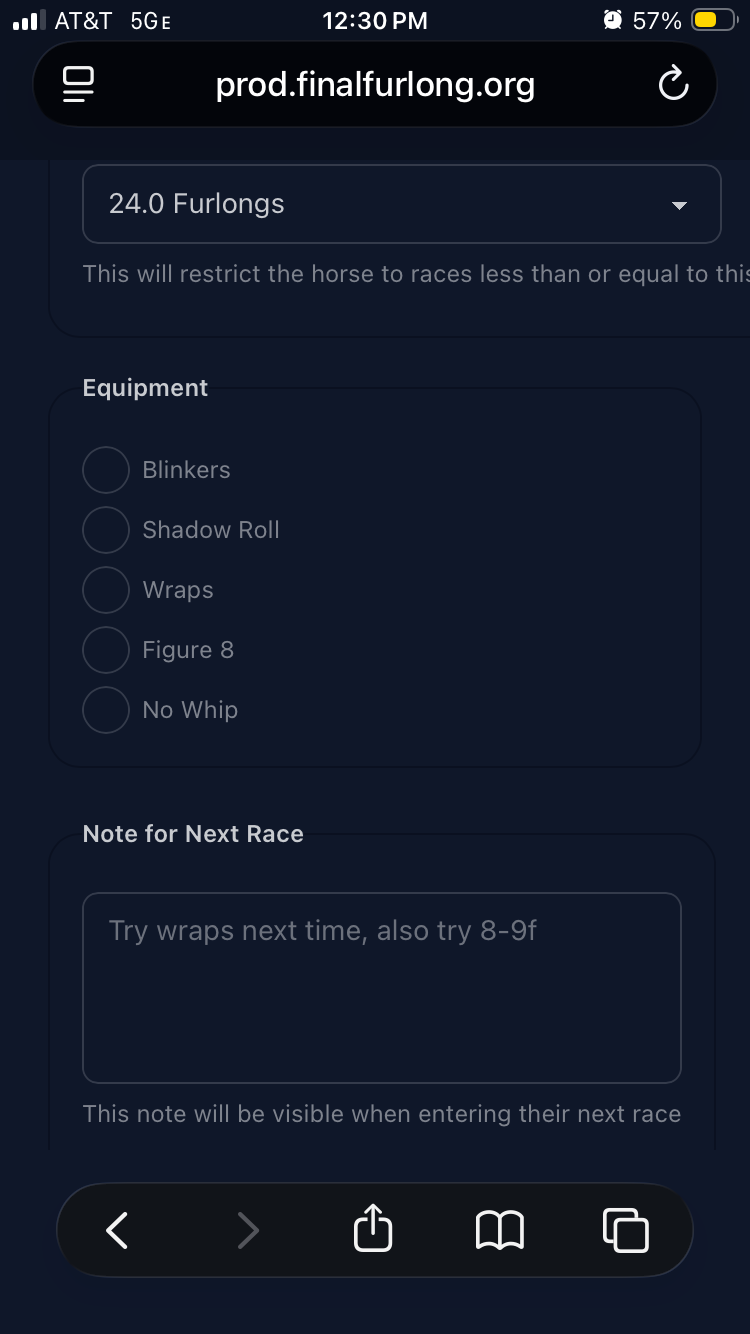
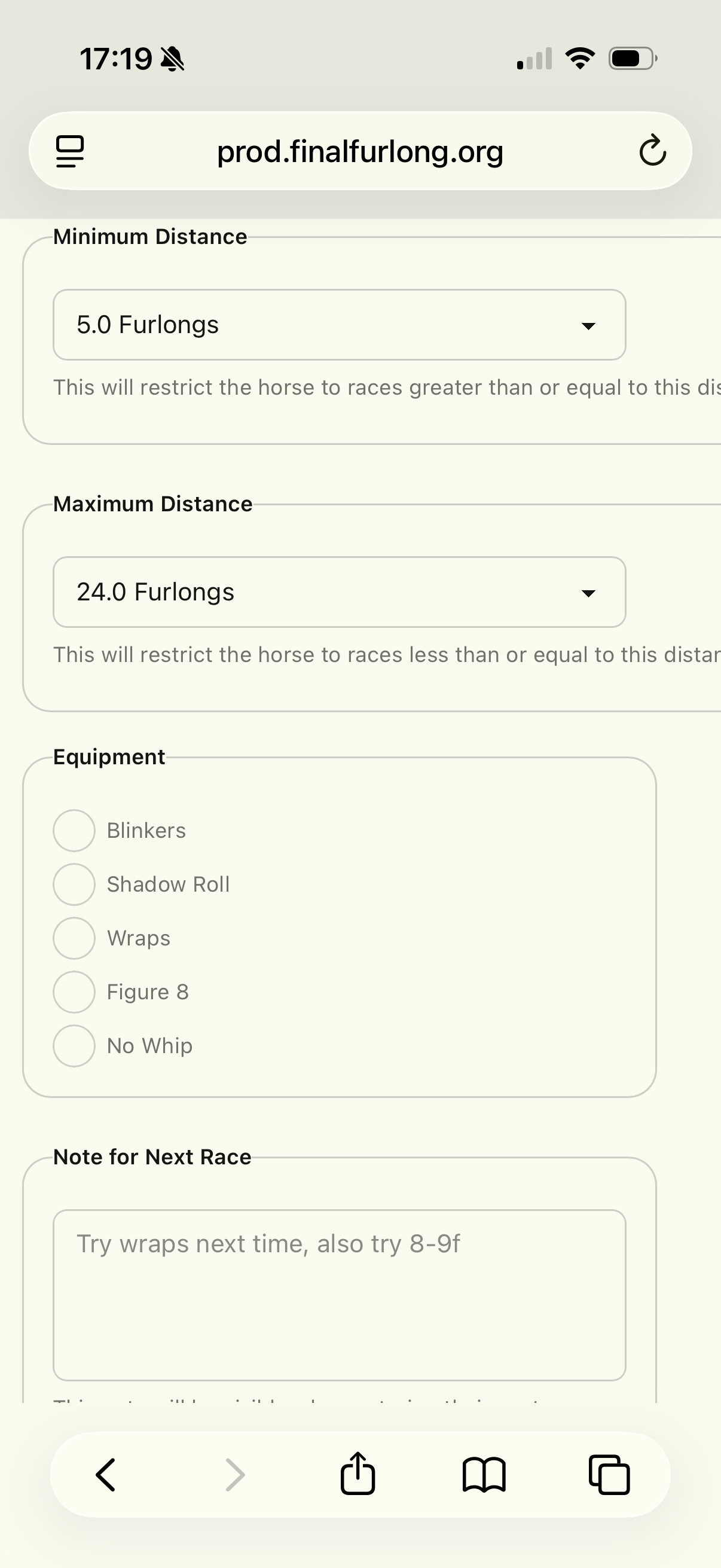
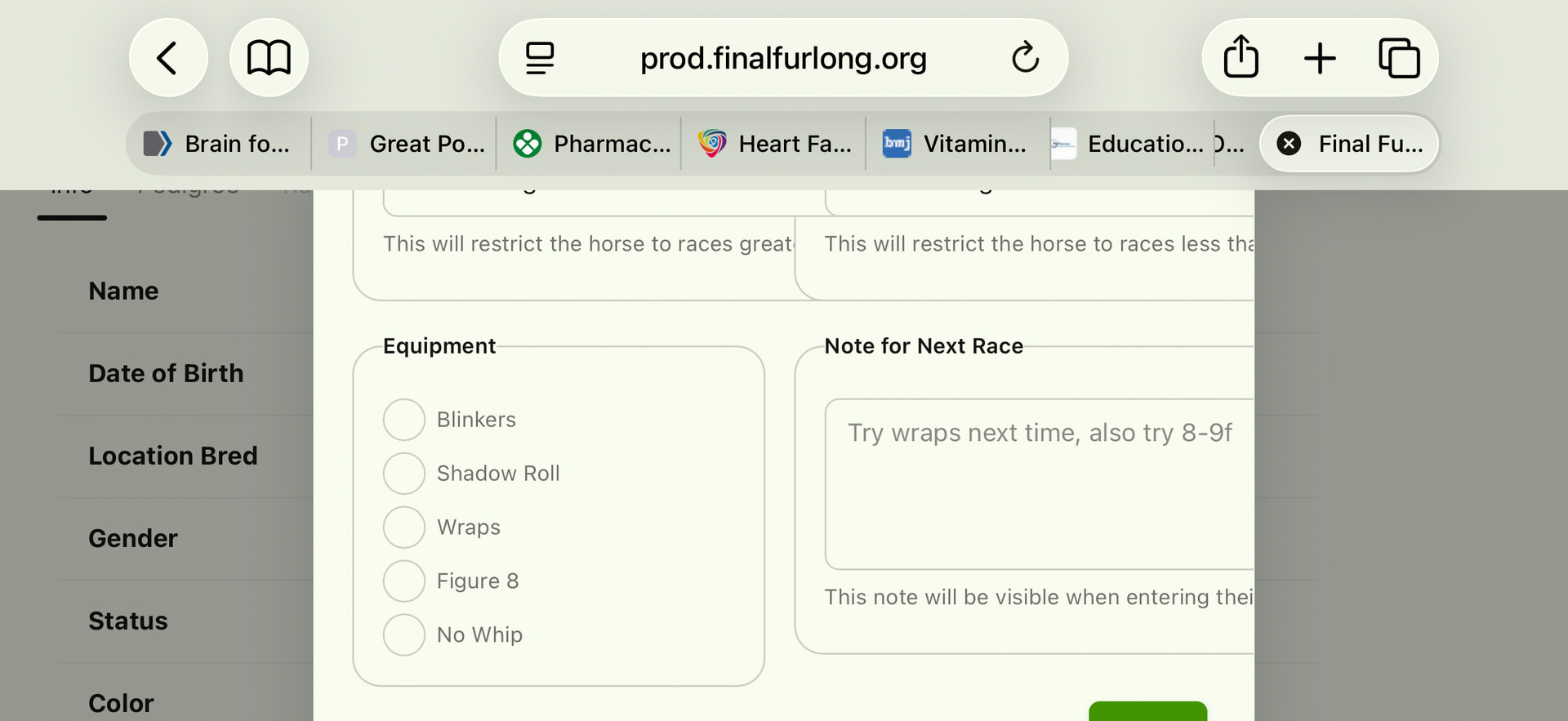
Trying to set jockey choices for my horses and the ‘Save’ button isn’t fully visible when using the new site on my mobile. I’ve tried holding my phone in both portrait (1st photo) and landscape (2nd photos) and it’s still not visible enough to save my selections.
I’m using an iPhone 16, Safari browser.
Ideally trying to avoid having to boot up the laptop to do it.
On the landscape orientation, the save button is partially visible but not in portrait mode. I can drag the screen/page up in both orientations to see it but as soon as I release to press save, it disappears again. I won’t let me ‘hold’ the page in place with the save button visible and press save at the same time.
The modal should be scrollable (it is for me on Chrome & Safari on an iPhone). You have to “grab” the screen with your finger and push it up/left (depending on whether you’re scrolling down or right), but it should work.
This still doesn’t work for me. I can ‘grab’ and move the screen so that the save button is in view, but if I try clicking on the save button nothing happens unless I release my “grabbing” finger but then save button disappears from view again.
I can try to get a video tomorrow, but you shouldn’t need to hold your finger down to keep it scrolled. You grab with the finger, move the screen with it, and release, and the screen should stay where you moved it to (up/down or side to side).
Your phone might be slightly different, but that works for me on an iPhone 12 in both Chrome and Safari on iOS 26.3.1
For me I just have the “cannot click on button” scrolling issue with the new FF layout. Current/old layout is fine and I haven’t noticed the problem on other sites. It’s like the dimensions of the new site aren’t being recognized or something.
One difference I notice with the other screens is that my browser ‘bar’ looks different, could it have something to do with the version of Safari? Mine changed a little while ago due to an update and since then the buttons on the lower screen have changed.
One thing I have noticed with the race options is that when I change something I cannot save it without also selecting a second and third choice jockey (it sees them as mandatory fields). I think in the old app if you hadn’t selected those it would automatically say it would be a random jockey. Is there any way that could transfer to the new app? If not it’s not too much of a bother though.
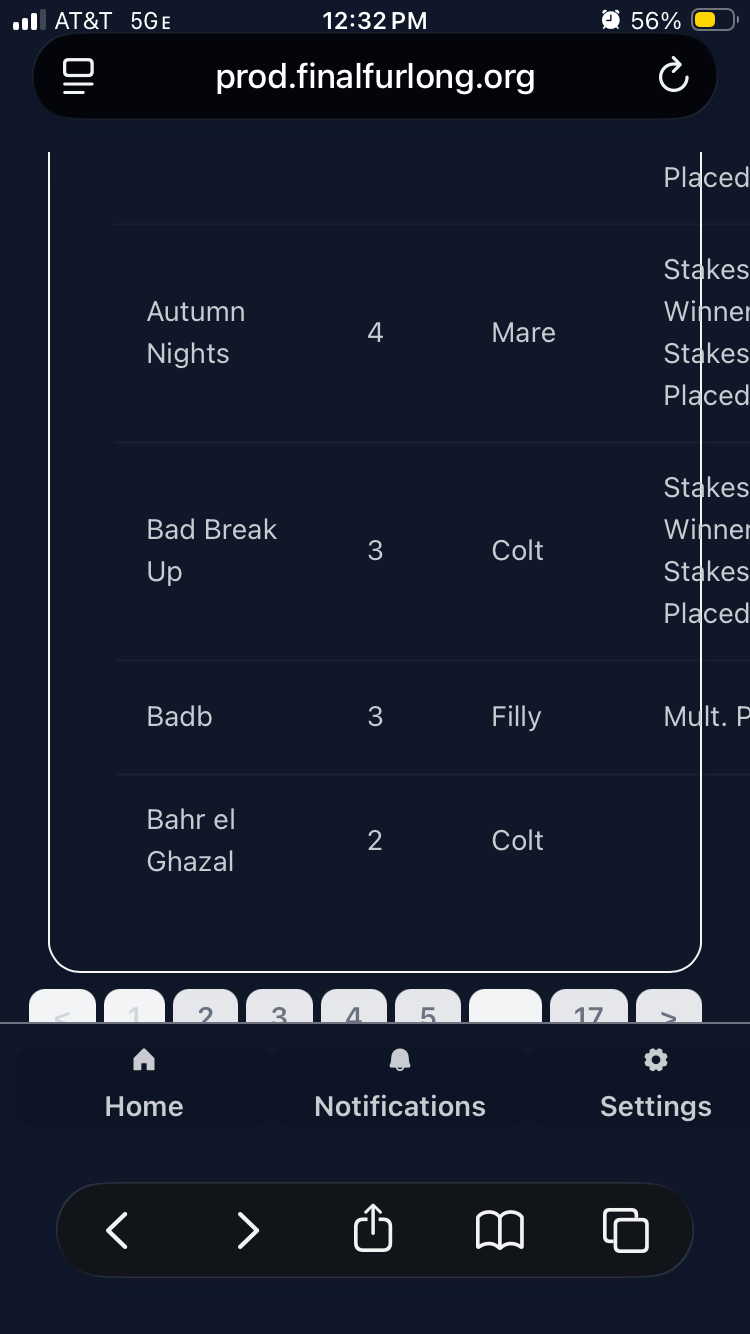
Here are two screenshots on my phone. I have to force it to scroll down with a finger but once I try and click a button, I need to lift my finger which then bounces the page back up and hides the buttons.
I’m assuming now it’s something in the display in certain iPhone models. I did try the scrolling with two fingers that you suggested @Shanthi but it’s not made any difference unfortunately.
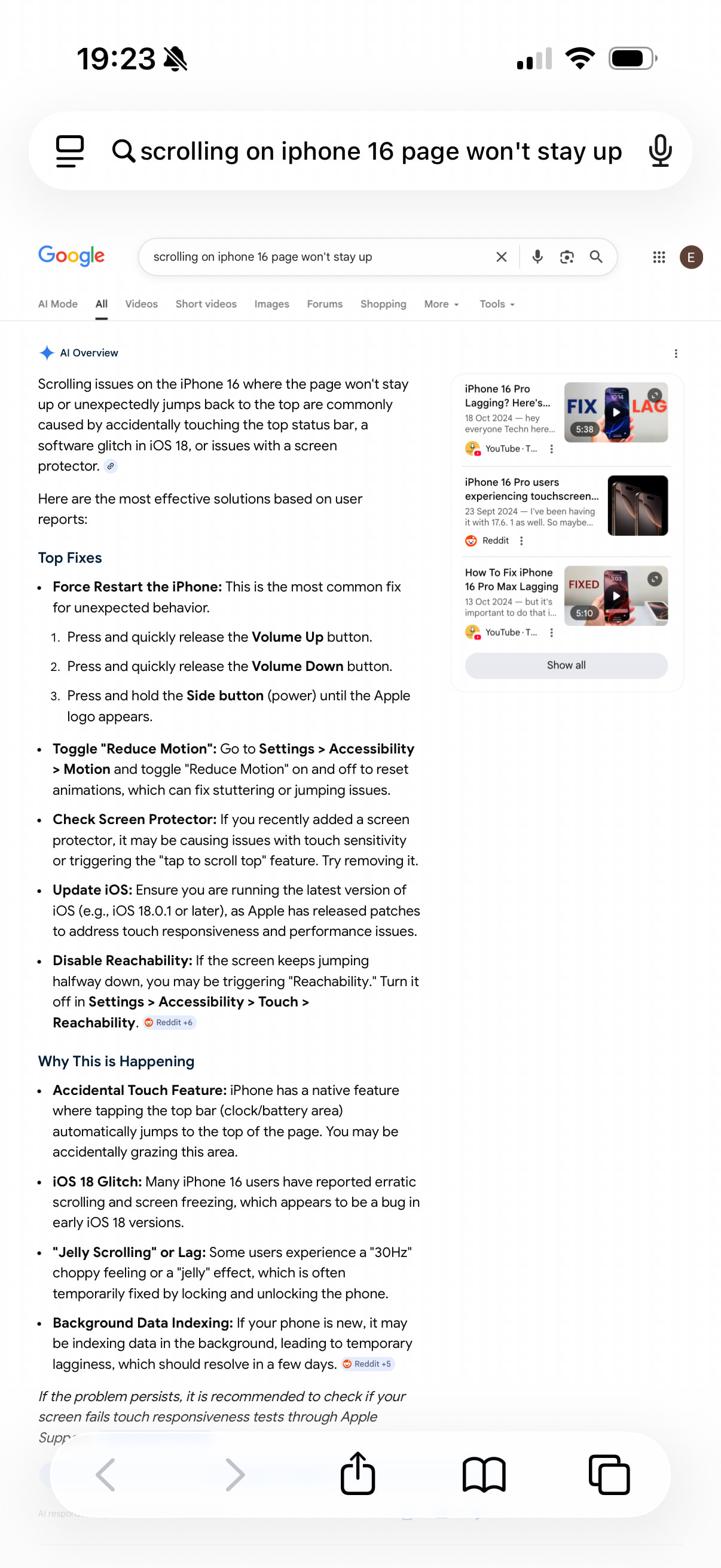
Just to update this. I tried a Google search and I got the following info:
I’ve followed the steps for reducing motion and reachability. It didn’t seem to make any difference initially but I have now managed to update and save racing preferences for one of my horses. I made sure the FF tab was the only page I had open and I had to hold my phone landscape (save button still disappears from view in portrait mode).
I tried to change some of the options for a couple of my horses using the new software, e.g. Jockey Instructions and Preferred Jockeys. While they appeared to be changed successfully on the new database, when I go to enter one of the “changed” horses in a race, the changes aren’t showing up.
I can’t show you examples at the moment because the server is down right now.
Ugh. Yes, I forgot about syncing that data back the other way, right now it only saves in the new database and doesn’t change the old.
I’m hoping to have race entries in the new app within the next week, so can you live with referencing the new app when doing entries in the meantime? I don’t have energy tonight to look at anything, but I can also see how tricky it’d be to save to both databases - in theory it shouldn’t be that hard.

 I’m not sure what else to suggest if every website on your phone behaves this way.