Scheduled entries not working

Lately a lot of my scheduled entries are not showing up. With the energy deficiency and everything going on with the new app it’s not a big deal and I figured it had something to do with the entries being scheduled before something got transfered to the new app, but now I do see them on the new app so that seems weird.

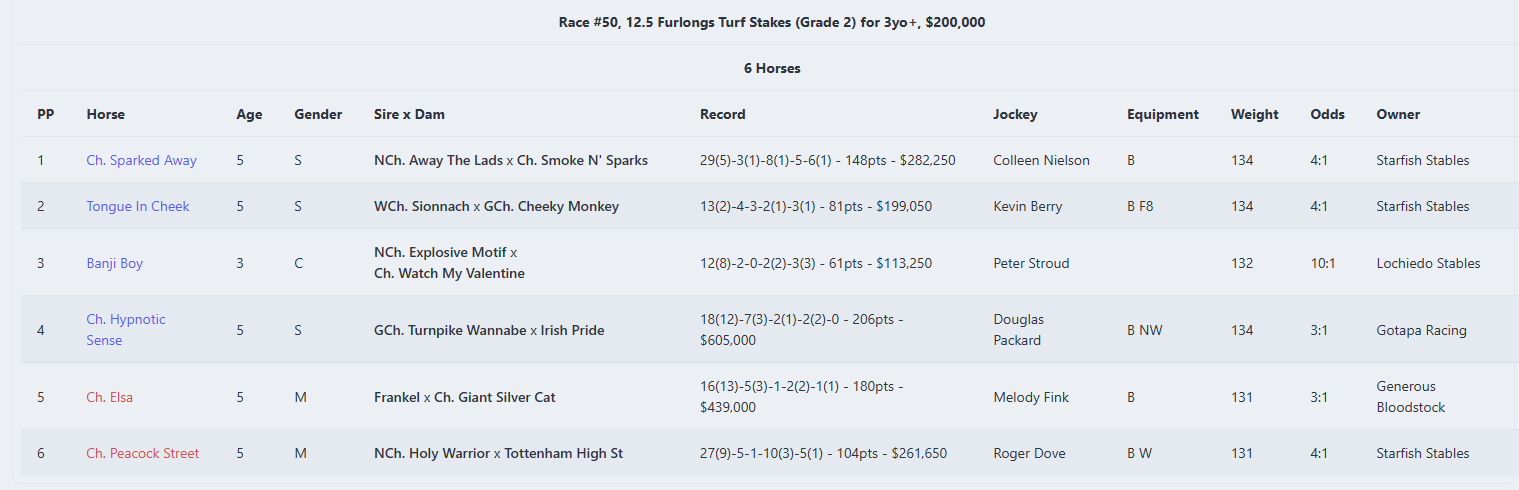
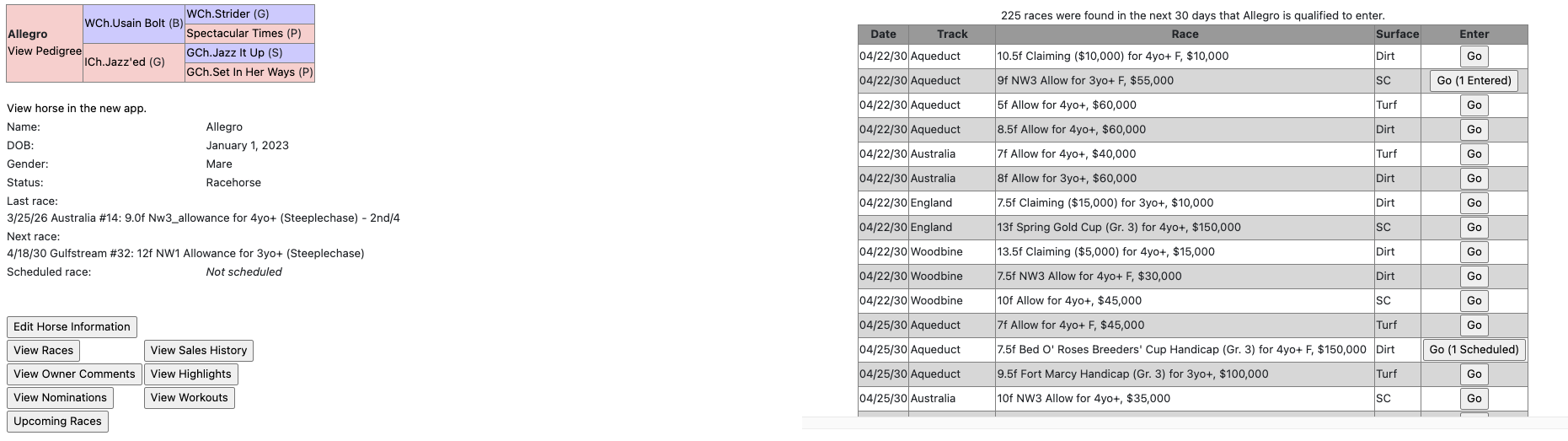
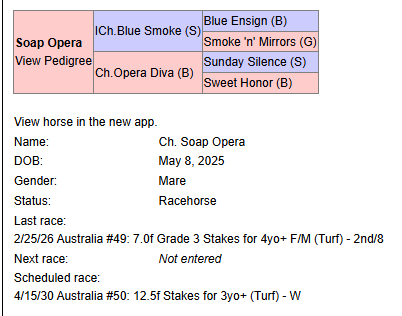
An example of my horse Soap Opera. I think I scheduled this race around two weeks ago because I remember specifically scheduling it when she didn’t run because her last scheduled entry wasn’t picked up.

Old app:

New app:

Post parade:

So the new app does seem to pick up on the scheduled entry, but just not actually enter and run them in the race? Might also be an additional explanation why races are emptier at the moment, I personally do about half of my entries via scheduling.

The old app is still running scheduled entries, but when the site is down it won’t run. I’m in the process of migrating them over to the new app.

1 Like

Ah that’s an option I hadn’t considered. Just need to keep a close eye on them then and re-enter on days the site has been down. Thanks for explaining.

Is it possible to schedule entries in the new site? I think we can’t do it in the old site anymore?

I think we can’t do it in the old site anymore?

Yes, you can. Same way as always → Upcoming Races, enter options.

You can’t do it in the new app yet, that’s what I’m currently working on.

1 Like

That’s how I’d enter, but they aren’t showing up in the races

I’m not sure what you mean. You click Upcoming Races, and the usual list appears.

It’s hard to get to that actual page in the old app @Shanthi

I think what Joe means is even if you schedule entries in the old app, they haven’t actually gone in and raced.

I had no horses race last night and I know I had entries.

I’ve just gone to my forward entries and checked against the race day pages and none of them are in so I just manually entered them.

1 Like

Gotcha, makes sense. It’s hard to know what’s being stated as an actual bug vs a really annoying workaround. :wink:

1 Like

Yes, spot on