I think I’ve sorted out the login issue from yesterday, and now your forum login should control your site login. That is, if you’re logged in to the forum you’re logged in to the site, and if you’re not, the site will send you to the forum to login.
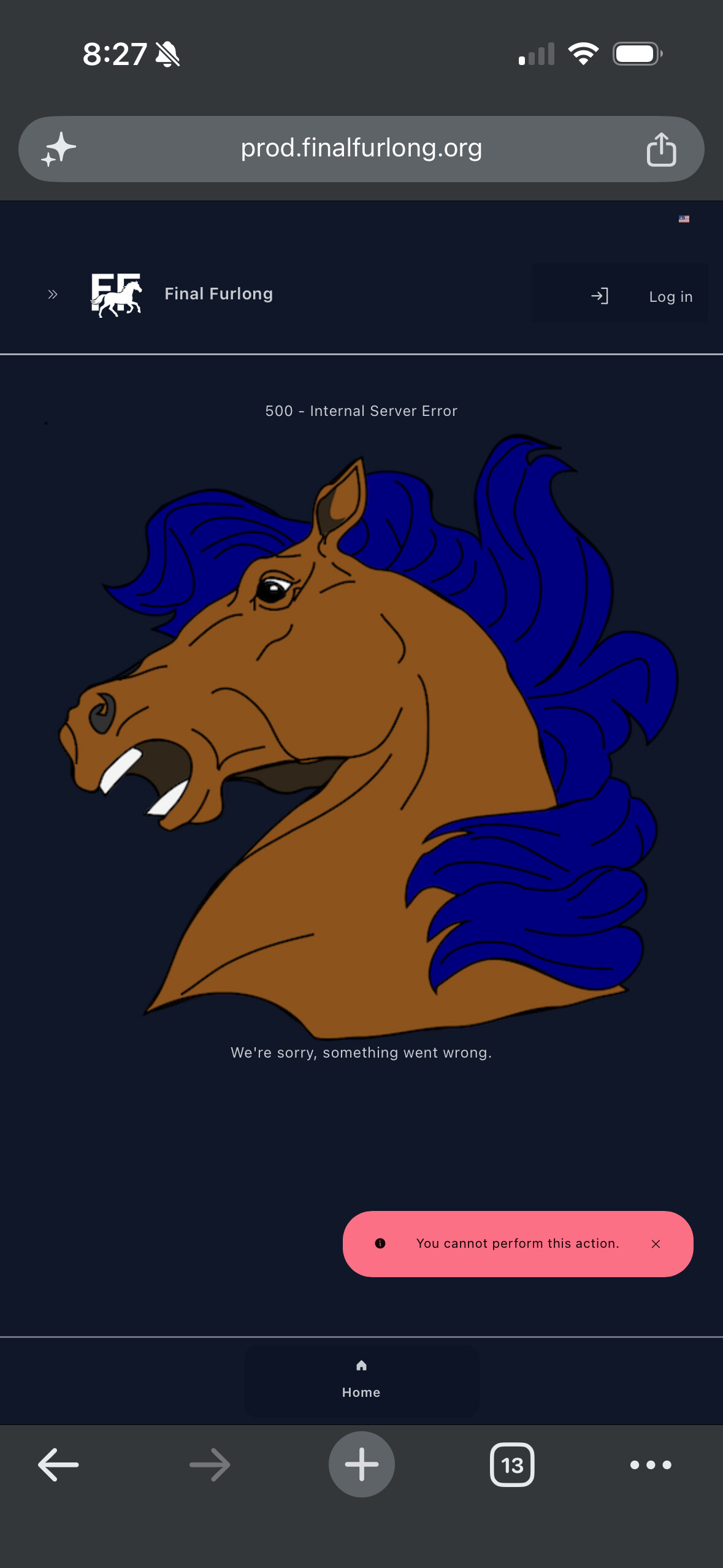
This appears to be working, but do note that if the site does send you to the forum to login and the forum doesn’t immediately send you back to the site, you might get a 500 page when you go to the site (either typing the URL in by hand or using the forum’s Stable link in the top menu). Refreshing the page should sort this.
I’ve only encountered that scenario since I switched my forum login to using a passkey, so I’ll keep digging around the forum settings to see if the redirect can still happen with a passkey.
Give a shout if anything looks weird, but hopefully this means one less username/password to remember.
@willagrey This is happening to me on my phone (haven’t tested laptop). After getting this screen, I click Login on the new site, and it pushes me through.
That is what mine looks like. I’m assuming you are referring to the color scheme? You should be able to change it if you go to settings, website, and then select either dark or light mode and a color theme.
Yeah, clearing your cookies will have reset your site preferences, so you’ll need to go back to that page and re-save them to re-create the browser cookies. (I need to look into that, because when you login it should pull from the database and store in the browser.)