Is there any chance the selection of # horses shown in the training summary could be brought back? I used to always select ‘show all’ so I wouldn’t have to shuffle between pages and filters and even though the new filters are really nice, I ofter prefer to just have the entire list in front of me.
I can imagine showing so many might be an issue with the database and that’s why you decided to nog implement it, but just wanted to check. I find the shuffling pages and searching for specific horses I want a tad annoying.
I plan to bring some version of it back, but some stables have over 500 racehorses so I can’t allow view all for them. Arguably even anything more than 100 is not great, but I’ll see what the performance is like.
That makes perfect sense, Shanthi, but an increase to about 100 will already be a vast improvement! Clicking through just a couple of pages will be faster than the 15-ish pages that I have now.
Same, and with shipping. With the training summary it does help I can now filter by energy, is the horse entered, and I’ve taken to
filtering by age just to show smaller batches of horses to cut down on the number of pages that appear but it’s still several pages I have to click through. I get through a page of checking individual horse workouts (since A/A doesn’t mean that horse has enough workouts to justify racing, to me), get a small handful entered, then decide I’m too tired to keep clicking through multiple pages. Would help to at least see more horses per page.
Hi! Can I suggest that there be a way to exclude a location? Example I’m currently working with is that I’m getting back into the game and need to do a bunch of shipping, so I’m trying to find horses that haven’t shipped recently (cause I’ve done a bunch) but I also get the ones that have been getting fat at home for an age. So if in addition to picking the track I could exclude at home (at a track yes/no would work fine), that would be swell.
And if we could get an “in transit” filter so I could exclude horses that are currently on the move if would be appreciated.
It’s almost like we need an advanced search option with the filters and the ability to use boolean logic (a solid AND NOT would be well good here) so that you don’t have to make every filter under the sun. [Must apologize, am a librarian so my brain thinks about these things]
EDIT: Is “days since last shipment” still on the coming soon list? Since it’s not working I’m assuming yes.
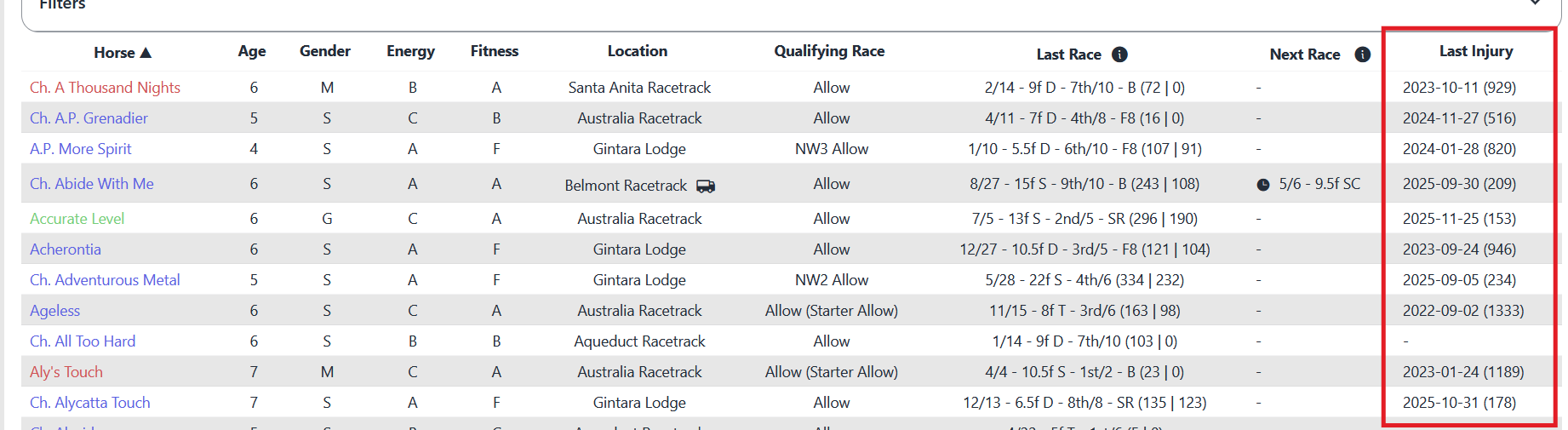
Injuries just aren’t something I look at historically. That column could be better served as “Date shipped to track” (or last shipped) and “days at track” counter.
That way you can see you shipped XX in 2025 and he hasn’t been to the farm in 414 days
I actually think last injury can be really helpful (especially in the last 6 months) although the last shipping date/last date at the farm would also be super helpful.
Slightly confused…
Quite a few of mine are showing fitness levels B and C but having checked they are all training regularly and I’d expect them to be fitness A??
The four I checked on were
Bellastree
Best Occasion
Cold Occasion
Dash Of Romance
Can you have a look please Shanthi
B is not a problem, as that is within the margin of error on reporting. The only one you mentioned that is C is Cold Occasion and their last 2 workouts were aborted, so I would expect the fitness to not change that much.
I have taken all horses off their training schedules. Even though these have worked well for years I’ve got a stable full of unfit horses.
Time for a change… as they don’t work anymore.
But now I can’t assign any horse to any schedules or create any new schedules.
Also taken all my scheduled entries out of their races because they aren’t fit even though they’ve been training regularly??
Wont be having any runners for quite a while
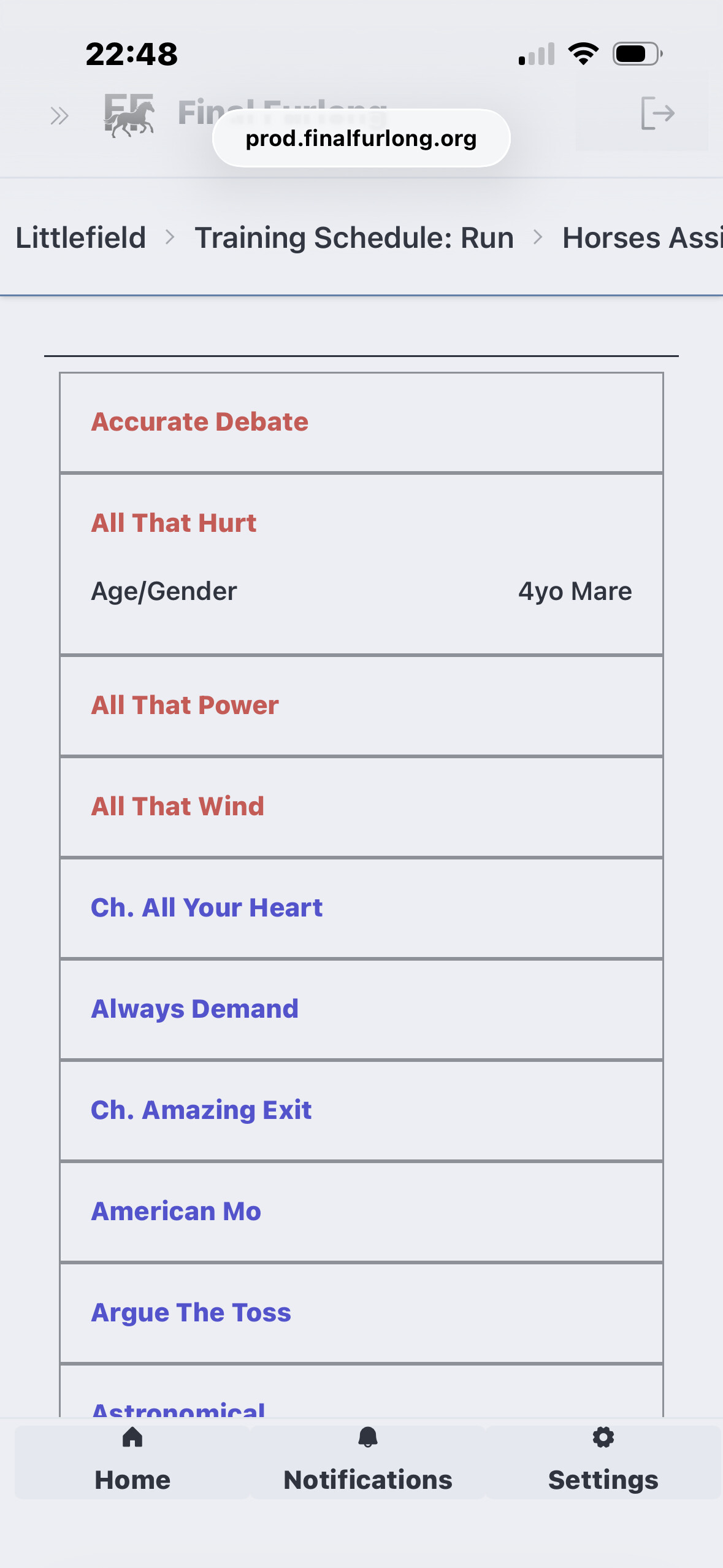
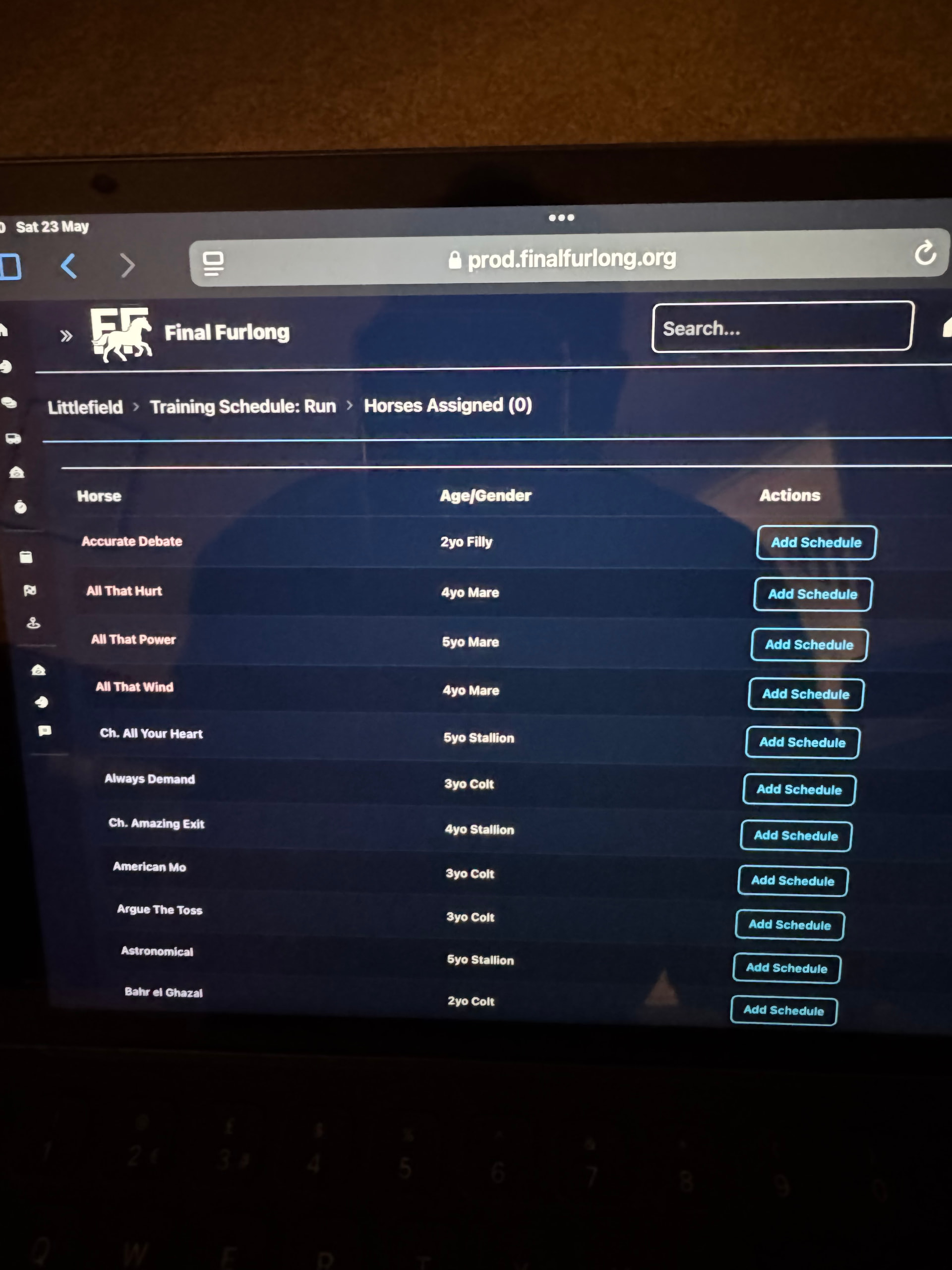
To assign horses, click the “Horses (0)” next to one of your schedules. Then all the horses who aren’t assigned to a schedule will be listed and you can click Add Schedule to assign them to that one.
Also you can manually work out a horse from their page, but I assume you don’t want to do that for everyone.